Working Area Guide -- Sothink SWF Decompiler
Explorer Window
Explorer panel is on the left side of the main working area in Sothink SWF Decompiler. It is also divided into two parts:
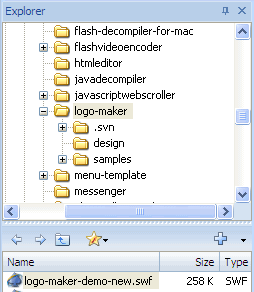
- The top part displays your system folders as a tree, which is more like windows
explorer.
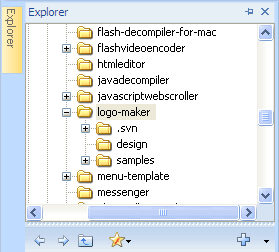

Hide Explorer Window. 
Show the hidden Explorer Window. 
Fix Explorer Window on the interface.
- When you choose a folder, the Flash movie files in it will be listed in the
bottom part.

Return to the previous folder. 
Forward to the next folder. 
View the upper-level directory. 
Add the selected files to "Favorites" folder. 
Add the selected files to "Multi-file Export" list.


