Working Area Guide
Movie Information
Flash Movie Information |
Flash Video Information |
 |
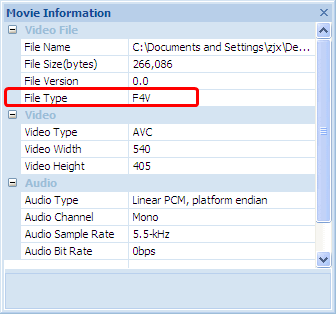 |
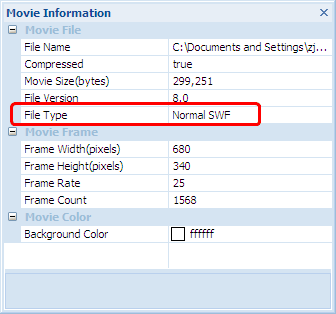
Movie window is shown under the Export panel by default. When you choose a Flash SWF movie or Flash video, click the tab "View" and click "Movie Information", the panel will list all information based on currently selected file type. If the checked file is Flash SWF file, the movie information (left figure) includes file name and its path, file size, file version, frame rate, file type, etc; if the checked file is Flash video file, the movie information (right figure) will be different from SWF file. And when playing SWF file, click either of buttons "File Version" or "Frame Rate" on the status bar to show or hide movie information panel; or when playing FLV/F4V file, click either of buttons "File Type " or "Video Size " on the status bar to show or hide movie information panel.


