Working Area Guide -- Sothink SWF Decompiler
Information
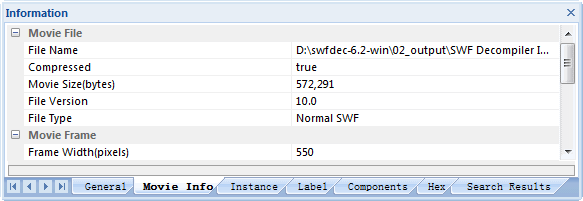
Under Preview area, there is "Information" panel, which is hidden by default. It has 7 tabs: General, Movie Info, Instance, Label, Components, Hex and Search Results.
After Sothink SWF Decompiler analyzes a Flash file, by default, here will list the information of this file.
When you select a file, "Movie Info" tag will list the information of current selected SWF/F4V/FLV file, such as, name, size, width, height, bg color, file type, file version, video type, video width, video height, audio type, audio channel, audio samples rate, audio bit rate, etc.
When you pick a group of resources, here will list the information of this group's files.
While you select only a file in the Export panel, here will list the information only for this file. And when you search the string within all AS files, the results will be shown in "Search Results" tag.


