Print Logo --- Sothink Logo Maker Professional
Finish all settings about logo image, you can click the logo button to display the Logo Menu and choose "Print..." option to do some print setup. You can also choose the "Print" button  on the Quick Access Toolbar.
Note: Make sure your computer has connected to printer.
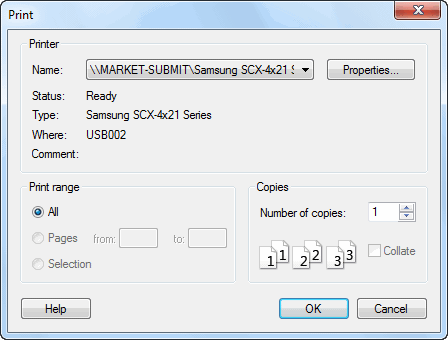
This window displays all the printer information; of course, you can click the button "Properties" to customize print settings. All you need to do is to set printing logo quantity.


