Rotating --- Sothink Logo Maker Professional
Rotate Resources
You can rotate the selected object through the following ways in this logo maker software:
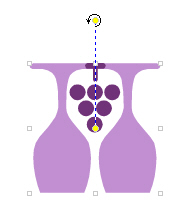
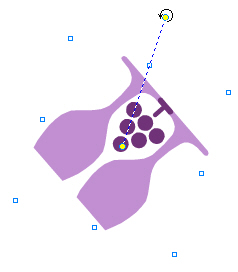
- Select a resource on the canvas. Now it'll be surrounded by a box with a center point and eight square handles and the dotted line. Move the cursor to the top of the dotted line, there will be a
 .
. - Move the cursor over one handle () to rotate the resource around the center point.
Or, you can click "Rotate..." option on the context menu when you have selected the resources. Then the "Rotate" dialog will pop up, and you just need input the angle value for rotating.
Tip: To rotate several resources at one time, press Shift key to add other resources to the selection.


