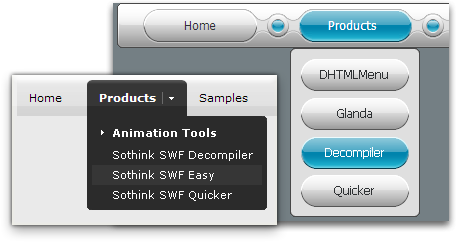
Menu Sample -- Drop Down Menu
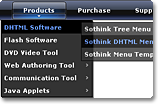
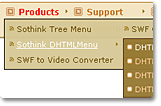
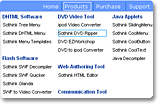

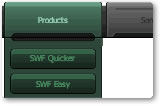
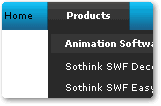
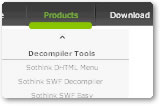
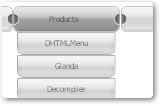
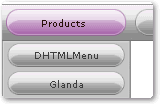
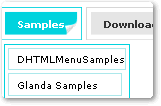
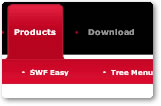
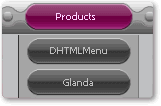
Drop down menu sample groups many well-designed navigation bars, they enables to guide the users to the target page quickly. Web menu sample can be the various based on website layout. The JavaScript menu mainly includes text, link and image. The menu item will be highlighted when moving mouse over the text on web menu, and then you will be directed to the desired page right now after clicking the menu item.
Menu Sample -- Tab Menu
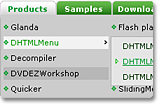
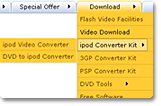
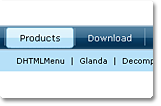
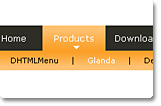
Tab menu sample is the one type of JavaScript menus, which lists more menu items in the limited space. This kind of tab menu sample is usually shown as horizontal DHTML menu, and its submenus list in below line. The menu of round corner makes the navigation bar clear and good-looking.
Menu Sample -- Clone Menu

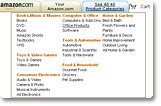

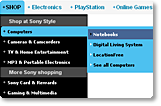
Clone menu sample collects the excellent navigation bars from the famous websites, like Amazon, Sony and Alcatel. The clone web menus have their own features, such as multi-column JavaScript menu, horizontal or vertical DHTML menus. These simple and practical menu samples are the most favorite web menu for big company.
Menu Sample -- JavaScript Menu
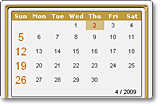

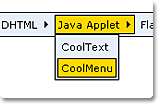
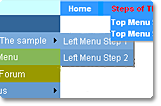
JavaScript menu sample is special DHTML menus applied the advanced usages to achieve the particular effect. The navigation bar is generated by database driven JavaScript menus with ASP, PHP, JSP, ASP.NET, ColdFusion, etc. And using this menu builder, you can make many menu samples, including calendar menus, map DHTML menus, cross-frame navigation bars and scrolling web menus and more.
 Order Now
  Free Download
 Product Info
- File Size: 10.84 MB
- Latest version: 9.8
- Build number: 945
- Uninstall: Supported
-
 System Requirement:
Windows 7
Windows Vista
Windows XP
IE 5+
Quick Links
Related Products

- Tree Menu
- Code-free tree menu builder

- JavaScript Web Scroller
- Code-free scroller generator

- DHTML Menu (Lite Version)
- Cross-browser drop down menus

